
Vibe Coding in 2026: The Complete Guide Every Developer Needs
Author
Muhammad Awais
Published
May 20, 2026
Reading Time
10 min read
Views
18.1k
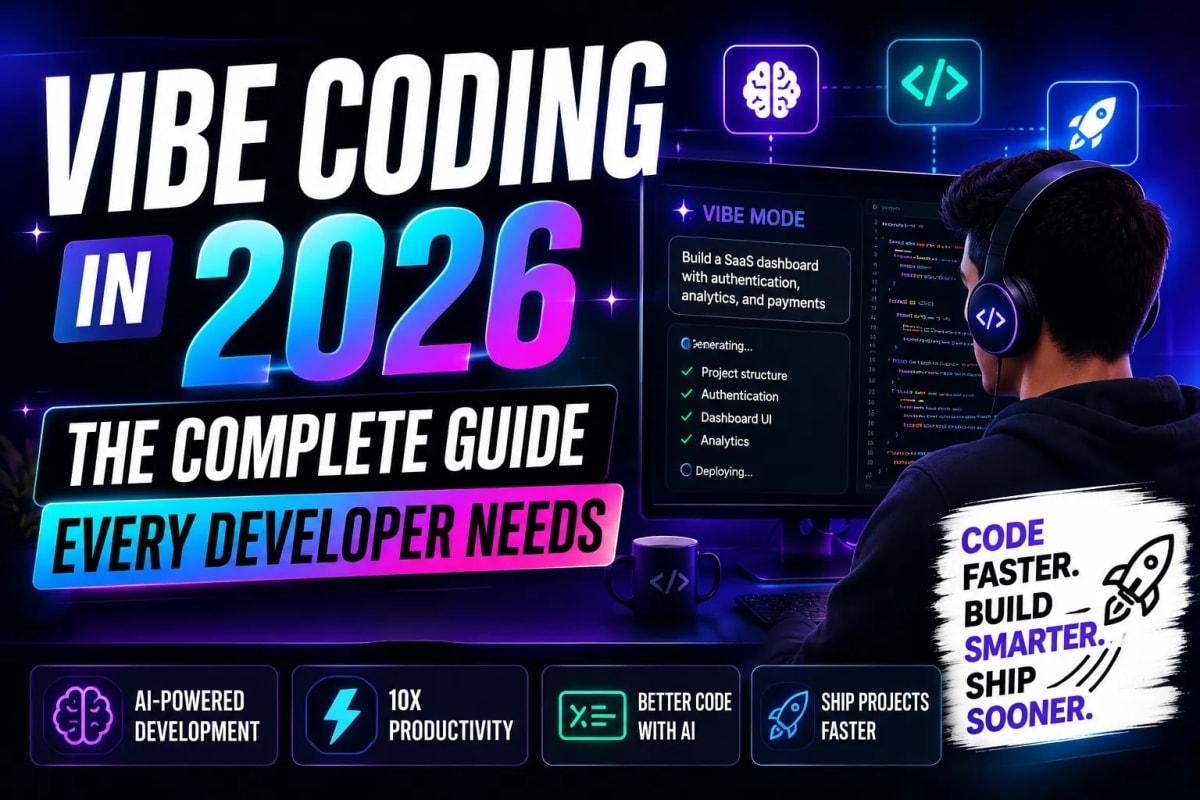
There is a moment in every developer's day in 2026 where they describe a feature in plain English, hit enter, and watch a working component appear on screen. No Stack Overflow tabs. No boilerplate hunting. That moment has a name now: vibe coding. Search interest in vibe coding grew by 2,400% since January 2025. Collins Dictionary named it the Word of the Year. And right now, 92% of US developers are using AI coding tools every single day. If you haven't figured out how to actually use this shift to your advantage yet, this guide is for you.
What Is Vibe Coding?
Vibe coding is a software development approach where you describe what you want to build in plain language and let an AI model write the code. You stay in the role of director, architect, and reviewer. The AI handles the actual typing.
The term was coined by Andrej Karpathy, co-founder of OpenAI and former AI lead at Tesla, in February 2025. His original framing was intentionally playful: describe your goal, go with the flow, and don't stress too much about reading every line the AI produces. The developer community grabbed the phrase and ran with it, but the real-world practice that emerged is more nuanced than Karpathy's casual description suggests.
In practice, vibe coding sits on a spectrum. On one end, you have pure prompt-to-app workflows where someone who has never written a line of code ships a working product in an afternoon. On the other end, experienced engineers use AI to handle boilerplate, scaffold components, and generate repetitive patterns, while they focus on architecture, performance, and logic that actually requires deep knowledge. Both are vibe coding. Both are useful. The key difference is knowing which mode applies to your situation.
How Vibe Coding Actually Works in Practice
Here is a realistic picture of what a vibe coding session looks like for a Next.js developer in 2026. You open your AI-integrated IDE. You describe what you need: "Create a server component that fetches the latest 5 blog posts from the MongoDB database using Mongoose, sorts them by createdAt descending, and returns them as a JSON response with a 60-second revalidate." The AI generates the component. You read it, catch anything off, adjust the prompt, and iterate.
That last part matters more than people admit. The magic is not in trusting the first output blindly. The magic is in the speed of iteration. What used to take 25 minutes of writing, referencing docs, fixing types, and testing now takes 3 minutes of prompting and reviewing. According to a McKinsey study from early 2026, organizations using AI coding tools saw a 46% reduction in time spent on routine coding tasks. That is not a small number. That is nearly half your day back.
The workflow that actually works looks like this: start with a clear context dump at the beginning of your session (your tech stack, folder structure, naming conventions), then give specific, detailed prompts rather than vague ones, review every output before accepting it, and commit frequently so you can revert if the AI goes in a direction you don't like. Treat the AI like a very fast junior developer, not an oracle.
The Tools Powering Vibe Coding in 2026
The vibe coding tool market hit an estimated $4.7 billion in 2026. Here are the tools that actually matter:
- Cursor: The most popular AI-native IDE among professional developers. It hit $2 billion in annual recurring revenue in early 2026. If you are building serious production apps and want AI deeply integrated into your coding environment, Cursor is the default choice for most teams right now.
- Antigravity IDE: A strong alternative gaining momentum, especially for developers who want a clean, context-aware AI pair programmer that understands your entire codebase rather than just the current file. It has a project-level memory system that makes it very effective for larger codebases.
- Lovable: Reached $400 million in ARR in 2026. Sits at the other end of the spectrum — designed for non-developers who want to build real products through conversation. Generate full-stack apps from a description, deploy, and iterate without writing a line of code.
- GitHub Copilot: Still widely used inside VS Code and JetBrains. More conservative in its suggestions than Cursor, but deeply integrated into enterprise workflows and very reliable for in-line completions and documentation generation.
- Claude Code: Anthropic's terminal-based agentic coding tool. Exceptionally strong at reasoning through complex, multi-file tasks. Less of an IDE replacement and more of a powerful agent you run for specific high-context problems.
Choosing the right tool depends on your workflow, team size, and how deep you need the AI integration to go. If you want a broader look at what the best development tooling stack looks like in 2026, we put together a detailed breakdown of the top React and Next.js developer tools for 2026 that pairs well with this guide.
Writing Prompts That Actually Get Results
The single biggest skill gap in vibe coding is not coding ability. It is prompt quality. Most developers who complain that AI tools give mediocre output are prompting them the way you'd send a vague Slack message to a teammate. "Add a filter to the dashboard" is not a prompt. It is a wish.
A good vibe coding prompt has four things: context (what stack, what file, what already exists), a clear goal (what you want to happen), constraints (what you don't want, what patterns to follow), and the expected output format (a React component, a Mongoose query, a TypeScript interface). When your prompts have all four, the output quality goes up dramatically.
Here is a before and after example. Bad prompt: "Make a button component." Good prompt: "Create a reusable Button component in TypeScript with Tailwind CSS. It should accept a variant prop with values 'primary', 'secondary', and 'ghost'. Primary uses a dark zinc background with white text. It should support an optional loading state that shows a spinner and disables the button. Export it as a named export." The second prompt gives the AI everything it needs to produce something you can actually use without editing.
⚡ Try Our Free AI Prompt Optimizer ToolThe Real Risks You Cannot Ignore
Here is the part of the vibe coding conversation that doesn't get enough attention. A Stanford randomized controlled trial found that developers using AI tools wrote measurably less secure code than those who didn't, while simultaneously reporting higher confidence in that code's security. That is a dangerous combination.
The numbers back this up at scale. AI-generated code has 2.74 times more security vulnerabilities than hand-written code, according to independent analysis from 2026. In early 2026, a vibe-coded application suffered a significant breach that exposed over 1.5 million API keys and tens of thousands of user email addresses because the database was misconfigured by AI-generated setup code that the developer never reviewed. The developer had not written a single line manually.
The areas where AI code needs the most scrutiny are authentication flows, database access control, environment variable handling, input validation, and any payment or billing logic. These are not areas where you accept the first output and move on. Read it like you wrote it yourself, because you are responsible for it.
There is also the broader shift toward AI agents taking autonomous actions in your codebase. Understanding how these systems reason and execute is increasingly important. If you are moving into agentic workflows, our deep-dive on autonomous AI agents and agentic workflows is worth reading before you hand over any significant autonomy to your tools.
What Vibe Coding Cannot Replace
For all the speed gains, there are categories of work where vibe coding actually slows you down. Novel algorithm design, complex system architecture decisions, distributed systems reasoning, and debugging non-obvious runtime issues are all areas where experienced developers who prompt the AI spend more time reviewing and correcting than they would spend writing directly.
AI models also have a pattern-matching blindspot. They are excellent at code that resembles training data. When you are building something genuinely novel — an algorithm no one has implemented quite this way, a custom data structure for your specific domain, or a performance optimization that requires deep knowledge of the runtime — the AI becomes a liability rather than an asset. It will confidently produce plausible-looking code that is subtly wrong in ways that take hours to debug.
The developers who are getting the most value from vibe coding in 2026 are not using it for everything. They are using it strategically: heavily for boilerplate, scaffolding, routine CRUD, tests, documentation, and component shells, while reserving their own brain cycles for architecture, performance-critical paths, and security-sensitive logic.
How to Start Vibe Coding Today
You do not need to overhaul your entire workflow on day one. Start with one tool, one project, and one category of tasks where AI assistance will clearly save you time. Good starting points are writing TypeScript interfaces from existing API responses, generating test cases for functions you have already written, and scaffolding new page components in your Next.js app where the structure is predictable.
Build the prompt muscle slowly. Every time you get a bad output, instead of giving up, ask yourself what was missing from your prompt. What context did the AI not have? What constraint did you forget to mention? That feedback loop is how you get dramatically better results within a week. And once you are comfortable with the prompting side, the speed gains compound fast. If you are also looking to tighten your overall development workflow at the same time, our guide on building a 10x faster Next.js developer workflow pairs naturally with everything covered here.
Frequently Asked Questions
What is vibe coding in simple terms?
Vibe coding means describing what you want to build in plain English and letting an AI model write the actual code for you. You act as the director and reviewer while the AI handles the implementation. The term was coined by Andrej Karpathy in February 2025 and has since become the defining development trend of 2025 and 2026.
Do you need to know how to code to vibe code?
No, and this is part of what makes vibe coding such a disruptive trend. Tools like Lovable and similar platforms let complete non-developers build and deploy working web applications entirely through conversation. That said, developers who understand code get significantly better results because they can catch errors, write better prompts, and know when to override the AI's decisions.
Is vibe coding safe for production applications?
It can be, but it requires active review of AI-generated code before shipping it. Research shows AI-generated code has significantly more security vulnerabilities than hand-written code. Authentication, database configuration, payment flows, and any code handling sensitive user data should always be carefully reviewed by a developer who understands what it is doing, regardless of whether it was AI-generated or written manually.
What is the best vibe coding tool for Next.js developers?
Cursor and Antigravity IDE are both strong choices for professional Next.js development. Cursor has the largest community and the most integrations. Antigravity has an excellent project-level context system that makes it effective for larger codebases. For pure prototyping and non-developer use, Lovable is the fastest path from idea to working app. The best choice depends on your specific workflow and how deeply you want AI integrated into your IDE.
Will vibe coding replace software developers?
Not in any near-term timeframe, and the data from 2026 actually supports this. While AI handles an increasing share of routine coding tasks, experienced developers are seeing their value increase in areas that require judgment: architecture decisions, security review, performance optimization, and managing the quality of AI-generated code at scale. The demand for developers who can effectively direct and review AI output is growing, not shrinking. The developers at risk are those who refuse to adapt to AI-augmented workflows at all.
Tagged in
Continue Reading
All Articles


Level Up Your Workflow
Free tools mentioned in this article
JWT Secret Key Generator
Generate cryptographically secure, high-entropy JWT secret keys instantly. A free, client-side CSPRNG key generator for secure HS256 and HS512 tokens.
Stripe & PayPal Fee Calculator
Calculate the exact Stripe and PayPal transaction fees for US and UK markets. A free developer tool to estimate SaaS payouts, merchant costs, and revenues.
LLM API Cost Calculator
Compare LLM API pricing across 18 models GPT-4o, Claude Sonnet 4, Gemini 2.5 Pro, DeepSeek, Mistral and more. Calculate monthly API costs, count tokens live, and convert to 7 currencies. Free, instant, no signup.
Cron Job Expression Generator & Explainer
Generate cron expressions visually and instantly translate any cron schedule into plain English. Includes GitHub Actions, Vercel, and AWS presets.